Mail or Jail How to Redeem Codes
Safe redemption steps for Mail or Jail on Roblox when promo strings go live.
Overview
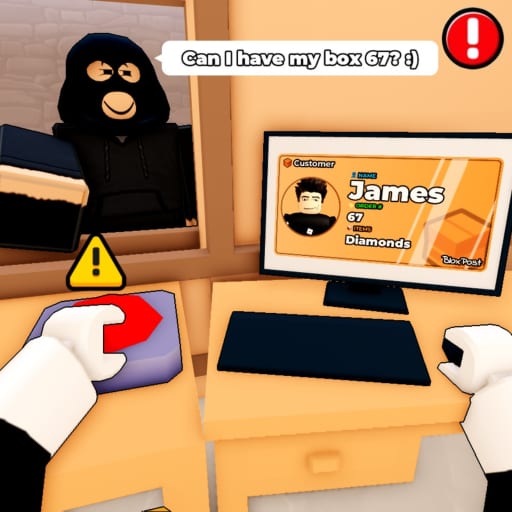
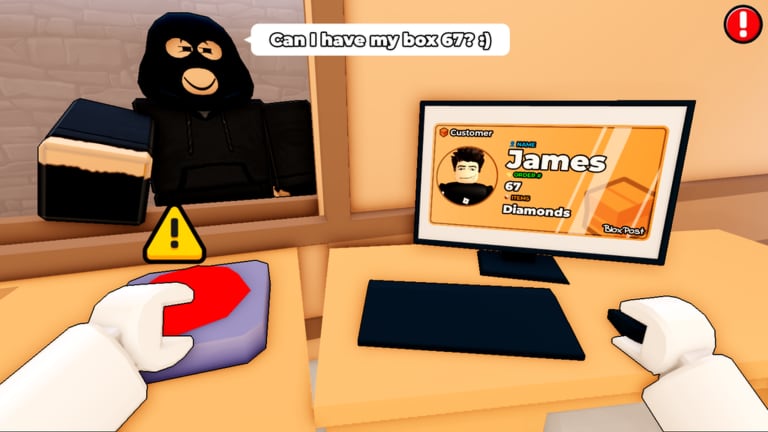
Mail or Jail is a Roblox simulation by Delivery Day Studios where you unload trucks, verify customer IDs, deliver packages, catch thieves, survive random events, and complete seven shifts without making too many mistakes. Promo codes — when they exist — are optional rewards on top of that core loop. They do not replace skill, and they cannot fix a run that is about to end in FIRED.
As of August 2026, we have not verified any active public codes for this universe (place 70663806238212, universe 10450718227). This guide is written so you are ready the day Delivery Day Studios adds a redeem button or posts strings on their group wall. Follow these steps in order every time so you never hand credentials to a fake site.
Before you type anything
Start on the Mail or Jail codes hub and confirm the string is listed with a verification date. If the hub shows an empty state, treat every social media paste as false until officially confirmed.
Next, open the real game page on Roblox and launch from there. Phishing experiences mimic popular titles. The legitimate place ID is 70663806238212.
Make sure you are on a supported platform — desktop, mobile, tablet, or console — and logged into the account that should receive the reward. Codes tied to progress sometimes require at least one completed tutorial shift.
Step-by-step redemption (when a code UI exists)
Roblox games use a few common patterns. When Mail or Jail adds redemption, expect something close to this flow:
- Launch Mail or Jail from the official Roblox game page (not a rehosted copy).
- Open Settings or Store. Many sims hide “Redeem Code” near settings, shop, or a phone UI inside the depot.
- Copy the code exactly. Use the developer’s post, not a paraphrased comment. Watch for 0/O and 1/l swaps.
- Paste or type carefully. Mobile keyboards love autocorrect; switch to plain caps if needed.
- Confirm success. Valid codes show a reward popup or inventory change. Screenshot the message with the date for your records.
- Rejoin if needed. Some Roblox rewards apply on next server join. Leave and re-enter once before reporting failure.
If there is still no redeem menu, the code may be not released yet or meant for a different experience. Double-check you are in Delivery Day Studios’ Mail or Jail, not another mail-themed game.
Platform-specific tips
Desktop
Keyboard paste (Ctrl+V) is the most accurate method. Full-screen Roblox player and browser versions both work; avoid third-party “code redeemer” executables — they are scams.
Mobile and tablet
Tap-hold to paste in the code field. Close floating keyboards before hitting confirm so the last character is not cut off. On tablet, landscape mode makes small redeem buttons easier to hit between shifts.
Console (Xbox)
Use Roblox mobile companion or account-linked flows if the in-game keyboard is painful. Microsoft account users should ensure the Roblox account matches the one that owns the progress in Mail or Jail.
When redemption fails
Work through this list before calling a code “broken”:
| Issue | Fix |
|---|---|
| Code expired | Wait for a new announcement on Updates |
| Typo | Re-copy from the Codes hub |
| Wrong game universe | Verify place ID 70663806238212 |
| Alt account | Redeem on the profile that played the shifts |
| Server lag | Rejoin once, then retry |
Codes almost never restore a run lost to the FIRED state. If you are struggling with mistakes, read How to avoid getting fired and use the Tools hub mistake tracker instead of hunting expired strings.
Safe habits (non-negotiable)
- Never share your Roblox password or 2FA codes.
- Never download “code generators” or “free Robux” bundles tied to Mail or Jail keywords.
- Only trust Delivery Day Studios group 372114481, official Roblox announcements, or this wiki after we verify a string.
Report suspicious links in community servers, but do not click them. Roblox moderation removes many scams daily; your caution is the first line of defense.
Rewards that work without codes
While waiting for promo strings, claim above-board bonuses:
- Like the game on Roblox for engagement rewards the developer may gate behind favorites.
- Join Delivery Day Studios group — walkthrough at Group bonus guide.
Those steps align with how the studio already asks players to support the sim (~2.3M visits, ~14k favorites at time of writing).
After you redeem
Log what you received (cosmetic, currency boost, temporary buff) and whether it persists across sessions. If a code grants a delivery speed boost, pair it with How to play fundamentals rather than skipping ID checks — bad deliveries still count toward termination.
Cross-train with Guides hub pages on checking customer IDs and surviving seven shifts so bonuses actually help you finish a full work week in-game.
Related pages
- Codes hub — verified active list (currently empty)
- Group bonus — like + join perks
- Scripts — separate topic; not required for redemption
- Links — official Roblox destinations
Frequently Asked Questions
Quick answers players ask after every shift.
Can I redeem Mail or Jail codes on mobile?
Yes. Roblox mobile supports in-game code menus when developers add them. Paste carefully to avoid typos from autocorrect.
Where will codes be announced?
Expect Delivery Day Studios Roblox group 372114481, place update notes, and our codes hub after manual verification.
Do codes skip the seven-shift requirement?
Unlikely. Promo codes typically grant cosmetics or small boosts, not full progression skips.
What if the redeem button is missing?
The feature may not be live yet. Do not use external websites — wait for an official in-game UI or verified announcement.